Image & Prompt Foundations
Learn how to create better images and stronger prompts so STL Buddy can generate cleaner, more usable 3D models.
Why Image Quality Matters
STL Buddy converts images into 3D geometry. The cleaner and clearer the image, the better the final STL.
✗ Bad inputs create bad meshes.
✓ Great inputs create clean, printable models.
Your goal is to give the AI an image that looks like it was designed for 3D printing.
The 5 Rules of Great Images
Simple Shapes Win
- Favor chunky, bold forms, but high detail work like miniatures are DEFINITELY doable
- Details must be clearly visible
- Avoid small text
- Avoid thin details, strings, hair wisps, spikes, or floating parts
- Think toy, not illustration
If it looks fragile, it will fail.
Clear Silhouette
- The outline should be instantly recognizable
- No overlapping limbs or cluttered poses
- Side views, front views, or neutral poses work best
If the silhouette reads well, the mesh usually does too.
One Subject Only
- One character, one object
- No background props, no scenery, no extra characters
- Blank or simple backgrounds only
STL Buddy is not guessing what you want—it's converting what you show it.
Even Lighting
- Soft lighting
- No harsh shadows
- No dramatic highlights
Strong shadows become geometry problems.
Consistent Style
- Pick one style and commit:
- • Chunky vinyl toy
- • Blizzard / WoW-style
- • Cute chibi
- Don't mix realism with cartoon
Style confusion creates messy topology.
What Good Prompt Images Look Like
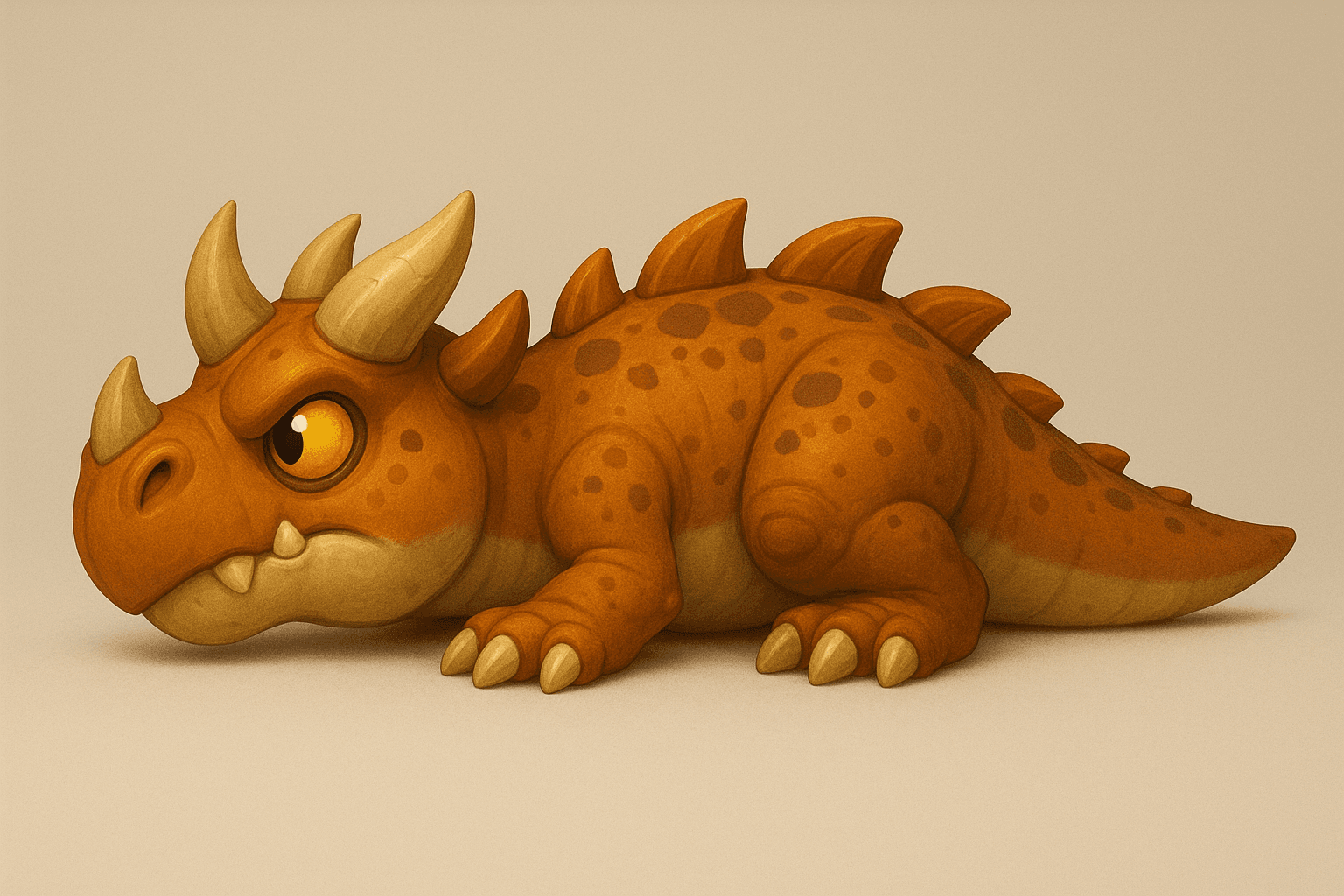
These examples follow all 5 rules and produce clean, printable STL files.
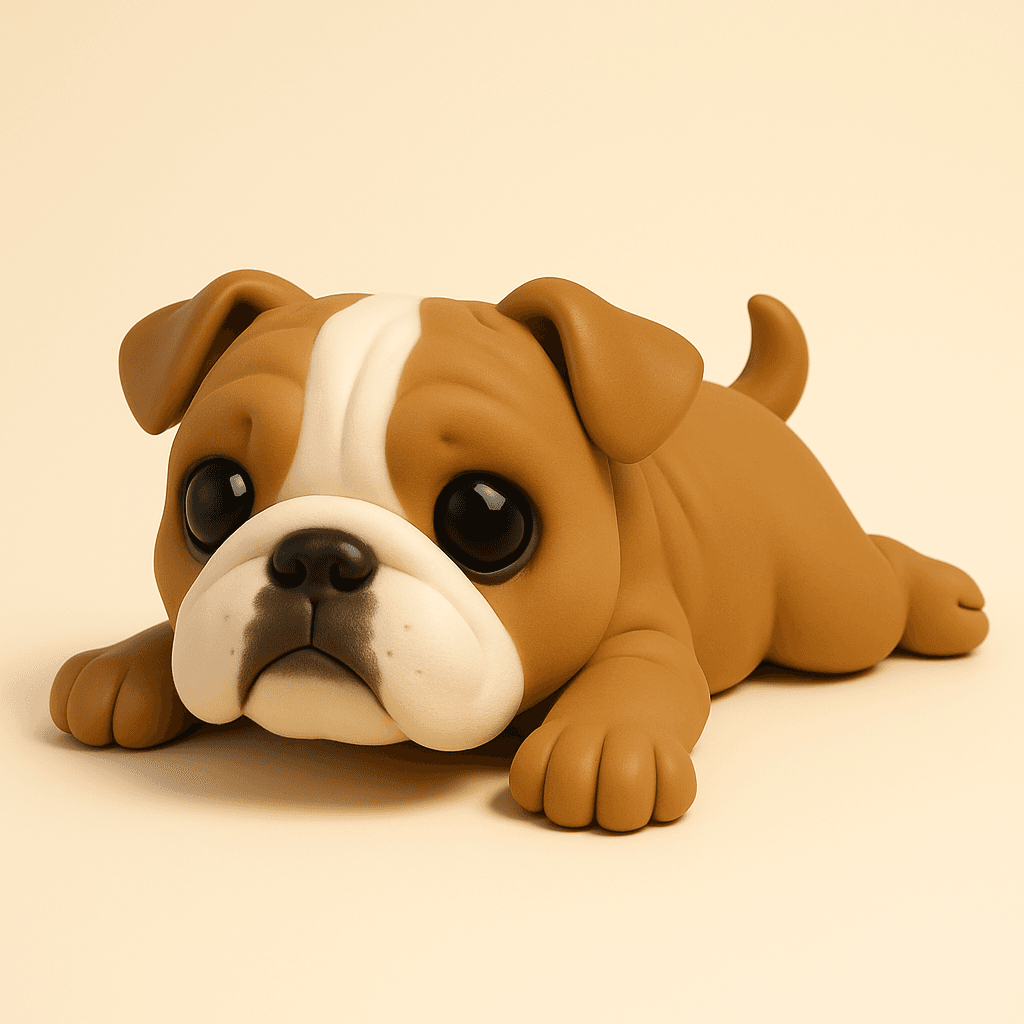
Example 1
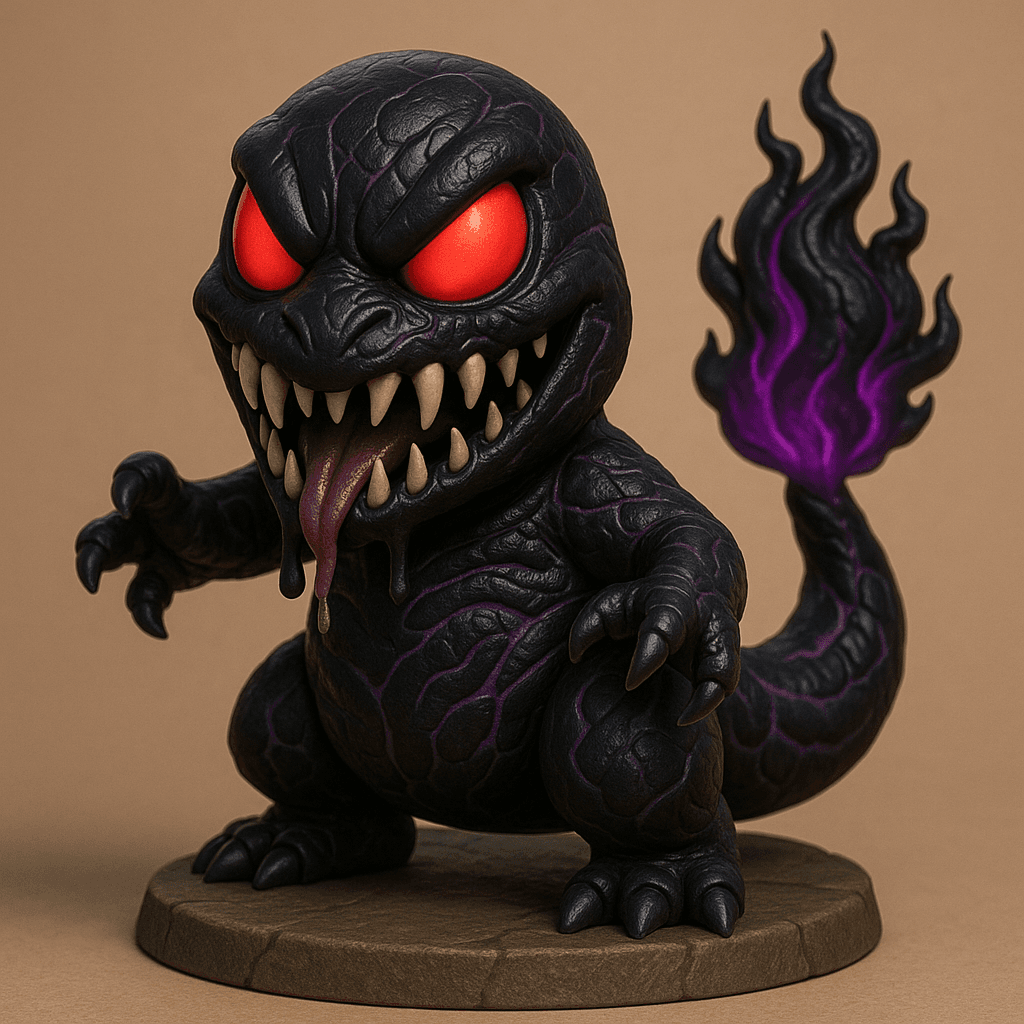
Example 2
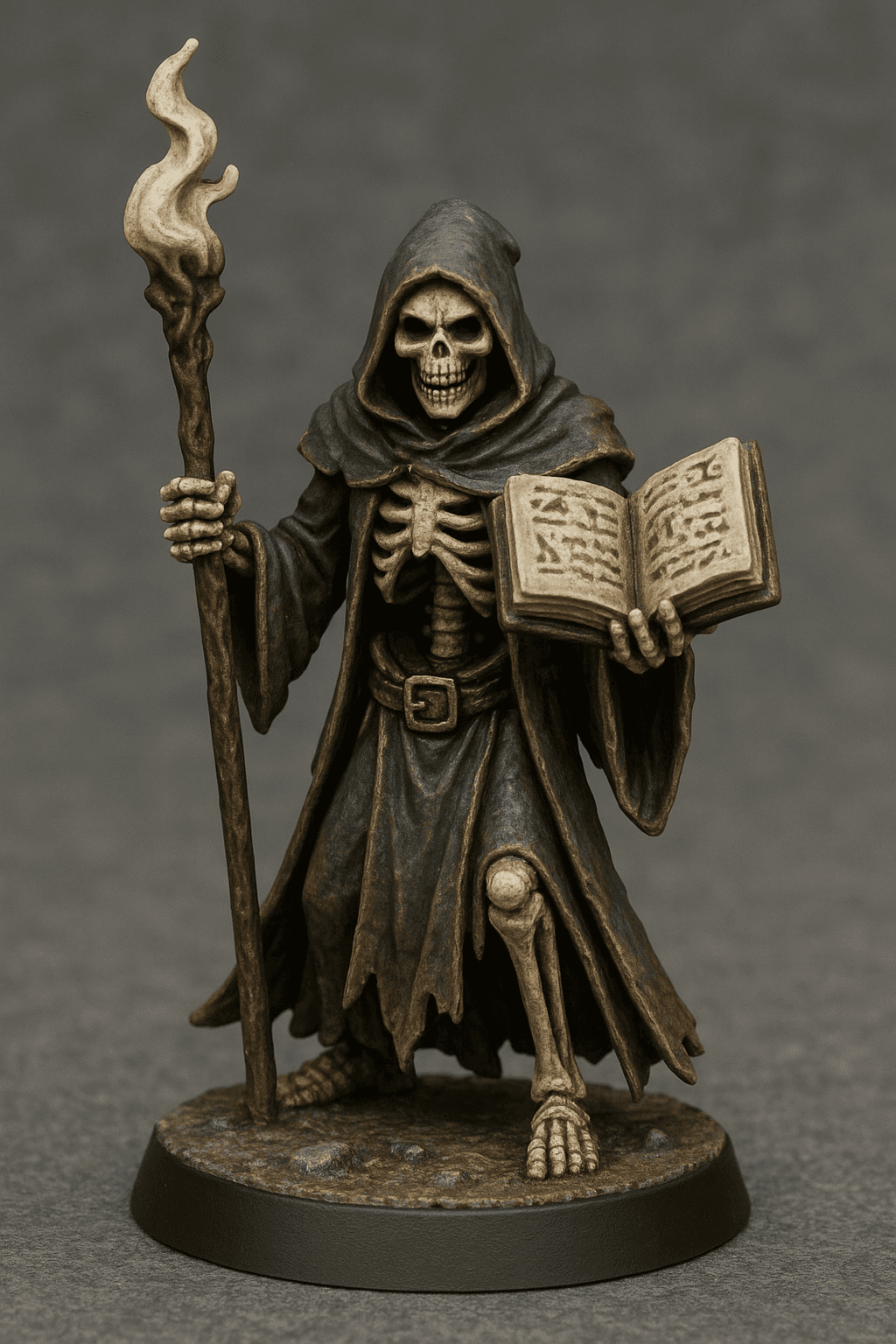
Example 3
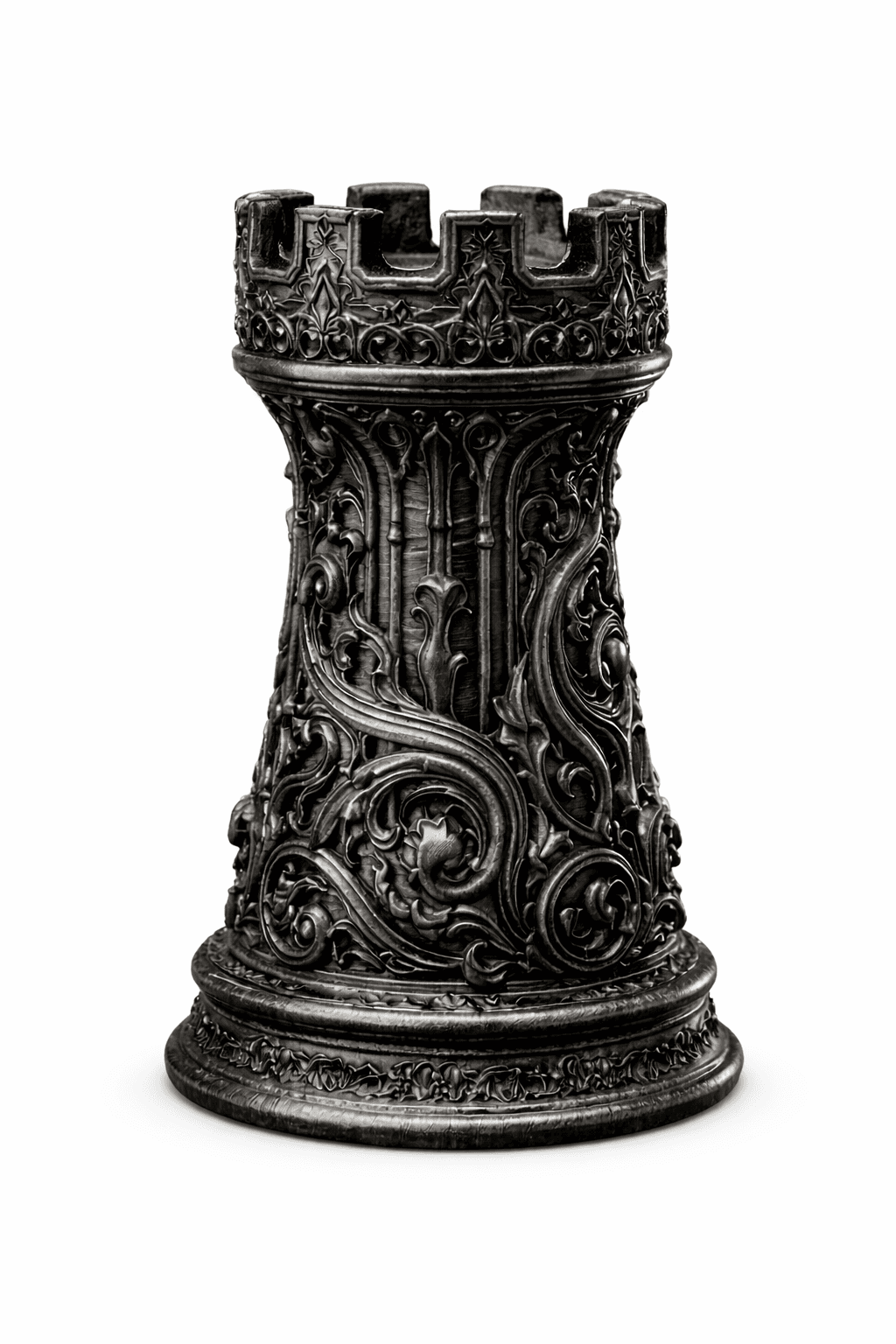
Example 4
Example 5
Notice the patterns: Simple shapes, clear silhouettes, single subjects, even lighting, and consistent styles. These images convert cleanly into 3D models.
Prompt Basics That Actually Work
Think Like a Sculptor, Not an Artist
Instead of describing art, describe form.
❌ Bad:
A highly detailed epic dragon with cinematic lighting
✅ Good:
A cute chunky dragon with smooth rounded shapes, thick limbs, simplified details, toy-like proportions, and no thin parts
A Simple Prompt Formula
Use this structure:
Subject + Style + Shape Rules + Pose + Technical Constraints
Example:
Create a cute stylized baby dinosaur in a chunky vinyl-toy style. Smooth rounded shapes, thick limbs, simplified details, no thin parts or floating elements. Neutral pose, body centered and symmetrical. Soft lighting, blank background, designed for clean 3D conversion.
Common Mistakes to Avoid
- Too much detail
- Dynamic action poses
- Hair, fur strands, chains, or spikes
- Busy backgrounds
- Realistic anatomy
If it looks cool but fragile, it will print poorly.
What This Guide Unlocks
With these fundamentals, you can:
- Generate cleaner STL results
- Reduce failed conversions
- Create more printable designs
- Build products faster
This is the foundation.
Ready to Create Better Models?
Try generating one image using these rules—and run it through STL Buddy.
Start Generating